Quick answer
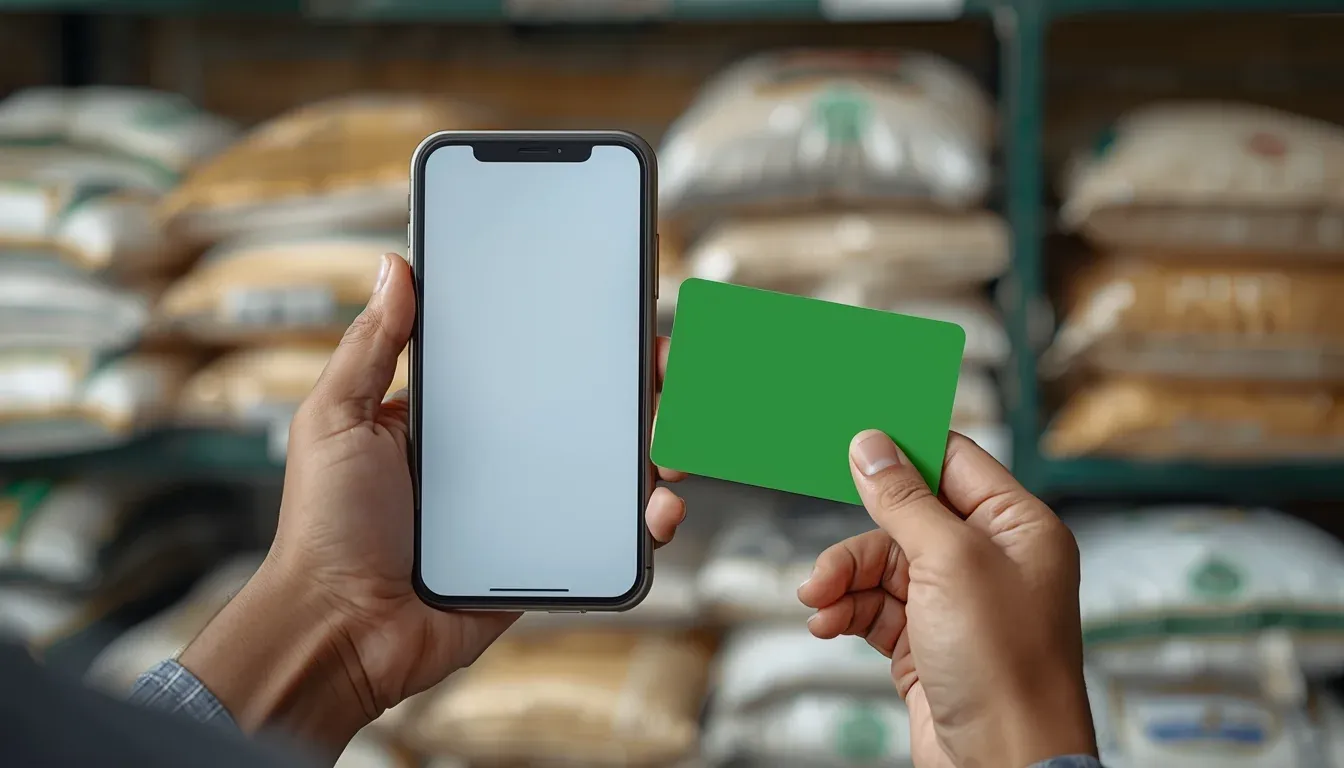
Activate your ration card at the issuing bank's ATM or branch (the Bank of Punjab was named as issuer) using your original CNIC and the mobile number registered in your name. You will verify your identity and set a private PIN. Follow the instructions in your card's welcome letter, and never let anyone else set the PIN for you.
Key facts at a glance
- Where
- Issuing bank ATM or branch
- Bring
- Original CNIC + your own SIM
- You will set
- A private 4-digit PIN
- Cost
- Free
- Never share
- PIN, OTP or card number
- If it fails
- Bank helpline on back of card
On this page (6 sections)
What activation actually does
Your ration card arrives inactive for your protection. If it is lost in the post or at a distribution point, nobody can use it. Activation proves that the person holding the card is the registered worker, and lets you set a PIN that only you know.
What to bring
- Your original CNIC — not a photocopy.
- The mobile phone with the SIM registered in your own name — banks often send a code to this number.
- The card itself and any welcome letter or leaflet that came with it.
Step-by-step activation
- Read the welcome letter first. It has the exact steps and the official helpline for your card. If anything below differs from your letter, follow the letter.
- Go to the issuing bank’s ATM or branch. When the scheme was announced, the Bank of Punjab was named as the card issuer.
- Insert the card and choose the activation / PIN generation option on screen.
- Verify your identity. You may be asked for your CNIC number and a one-time code sent by SMS; some branches use biometric (thumb) verification.
- Set your PIN. Choose 4 digits that are not your birth year, 1234 or 0000. Enter it twice.
- Do a balance enquiry to confirm the card works.
- Keep the slip until you see your first purchase go through.
Safety first: Cover the keypad when you type your PIN. Bank staff will never ask you to say your PIN aloud.
Your first purchase
After activation, visit a registered shop, pick your groceries, and pay with the card. Ask for a receipt and check that the amount deducted matches your bill. Our shops guide explains which items you can buy and what to do if a shop refuses the card.
Activation problems and fixes
| Problem | Likely cause | What to do |
|---|---|---|
| No SMS code arrives | SIM not registered in your name, or number changed | Visit the bank branch with your CNIC |
| “Card not valid” on screen | Card not yet linked to your account | Wait 24–48 hours or call the card helpline |
| PIN blocked after 3 tries | Wrong PIN entered repeatedly | Call the helpline on the back of the card |
| Name spelling differs on card | Data mismatch with PESSI | Contact PESSI (0800-73774) to correct records |
| Card damaged or chip not read | Physical damage | Request a replacement at the branch |
Golden rules
- Never write your PIN on the card or its cover.
- Never hand your card to a shopkeeper or “helper” to enter the PIN.
- Never pay anyone to activate your card.
- If a call asks for your OTP, hang up — banks never ask for it.
More on staying safe in our scam alert guide.
Frequently asked questions
Q Can I activate my ration card online from home?
Q I entered the wrong PIN three times and my card is blocked. What should I do?
Q Can someone else activate the card on my behalf?
Q Do I need to activate my card again every month?
Sources we checked
- [1] ProPakistani — Bank of Punjab named as card issuer (18 Apr 2025)
- [2] PESSI — Officials guide workers on withdrawals, Faisalabad (26 Feb 2026)
- [3] The Bank of Punjab — official website
External links open in a new tab and are marked nofollow. Read how we choose sources in our editorial policy.
Independent guide — please read
Ration-Card.pk is not run by PESSI, PSER, the Bank of Punjab or any government office. Rules and dates can change after we publish. Before you act, confirm on the official portal or helpline. Spotted something out of date? Tell our corrections desk.
Written & reviewed by the Ration-Card.pk Editorial Desk
Our Lahore-based desk follows Punjab’s social-protection notices every week and cross-checks each figure with at least one official or two independent sources. How we research · Fact-checking policy